Deleting Figures
To delete linework in your Project simply select the figure you want to delete. When you select the figure, the line toolbar will open.

|
Use this button on the line toolbar to delete an individual segment between two points or a three point arc. |

|
Use this to delete the entire figure that you have selected. |
Notes:
Splines: Spline sections are considered to be one entity so using the delete entire figure, or delete segment, each will do the same thing. The entire spline will be deleted.
If a segment or arc is deleted from the middle of a figure, the figure will be broken into two pieces. Each new figure will be assigned a new group number. Closed or ended figures will be re-activated and added to the Active Lines list.
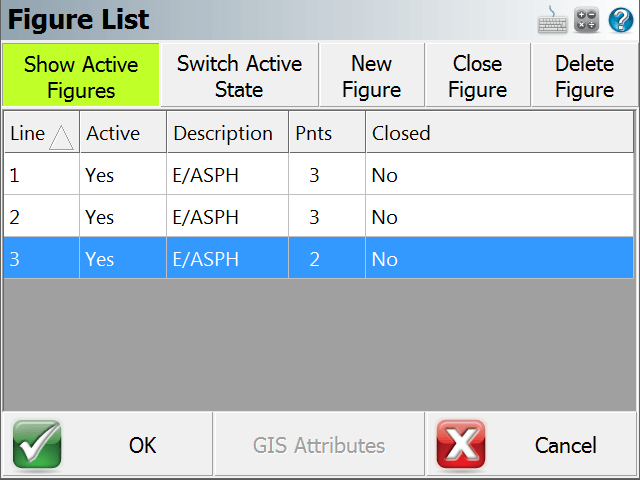
You can also delete a figure by selecting it in the active lines list, then pressing the Delete Figure button.