Closing Figures

|
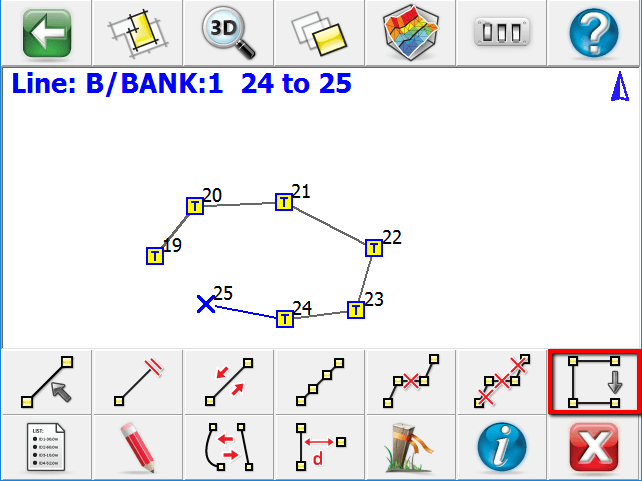
To make a closed figure with an Active Line, select the Close Current Line button on the line toolbar. This will draw a line from the last point to the first point shot in the figure. The Line will be removed from the Active Lines list as it is now considered complete. |
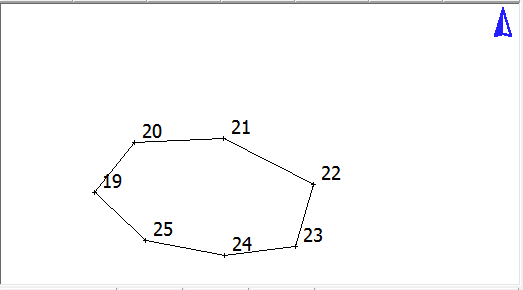
You will see that the figure now is closed back to the original start point.
In the active lines list, if you turn off the Show Active Figures you will see that the figure is flagged as Active = NO and Closed = YES.
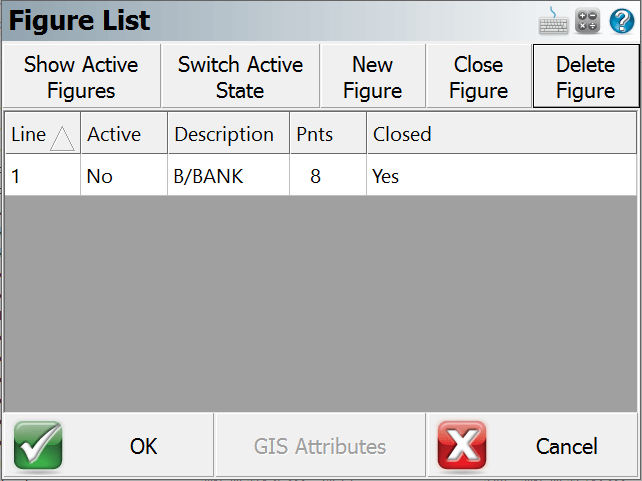
Alternatively, you can also close a figure in the Figure List screen by using the Close Figure button.