CHCNAV LandStar
Conversion:
STAR*NET .dat and .gps files can be exported from LandStar.
Import Steps:
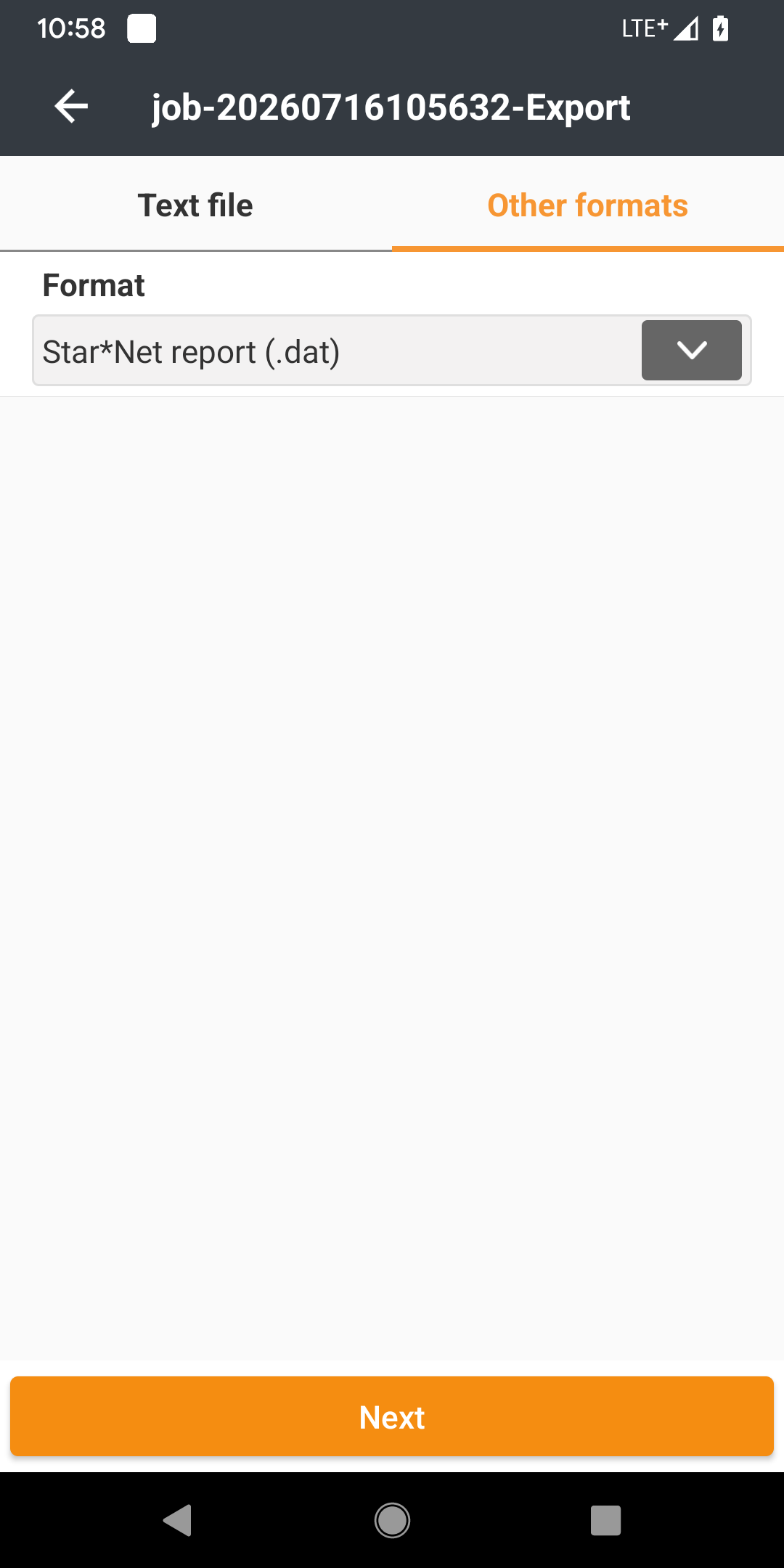
- In your LandStar project, go under Export > Other Formats > STAR*Net report (.dat) or (.gps)
- Press Next
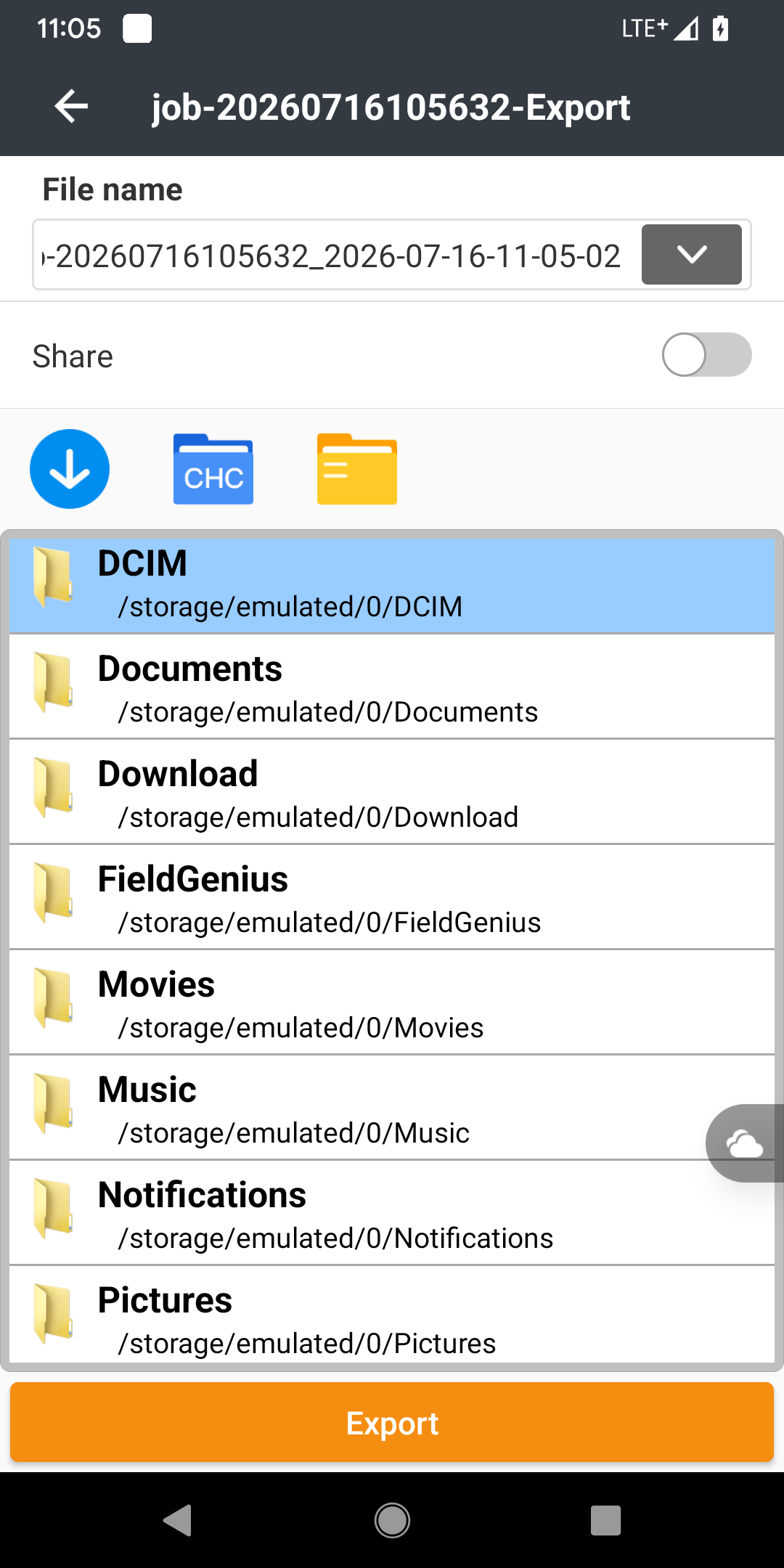
- Choose a folder on your Landstar device to store the exported file > Press Export
- Transfer the exported file from your Landstar device to your computer running STAR*NET
- Open your STAR*NET project
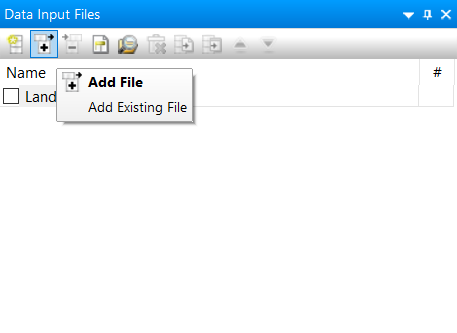
- The .dat or .gps file can now be added to a STAR*NET Project using the "+" icon in the input panel: